
Engine
Deck Plan
Colour vessel decks by grade and place IMO life-saving, fire-control and escape signage.
What it does
The marine sibling of the Fire Alarm Zone and Fire Escape engines. Paint each deck area with a colour-coded grade, then place ready-made IMO safety signs over the plan, and export a combined fire-control and safety plan, all without touching the underlying drawing.
Step-by-step guideCapabilities
What you get
Colour decks by grade
Define your own deck grades by coating, space type or hazard zone, then colour each room or area. A legend keeps every code readable on the plan.
73-symbol IMO catalogue
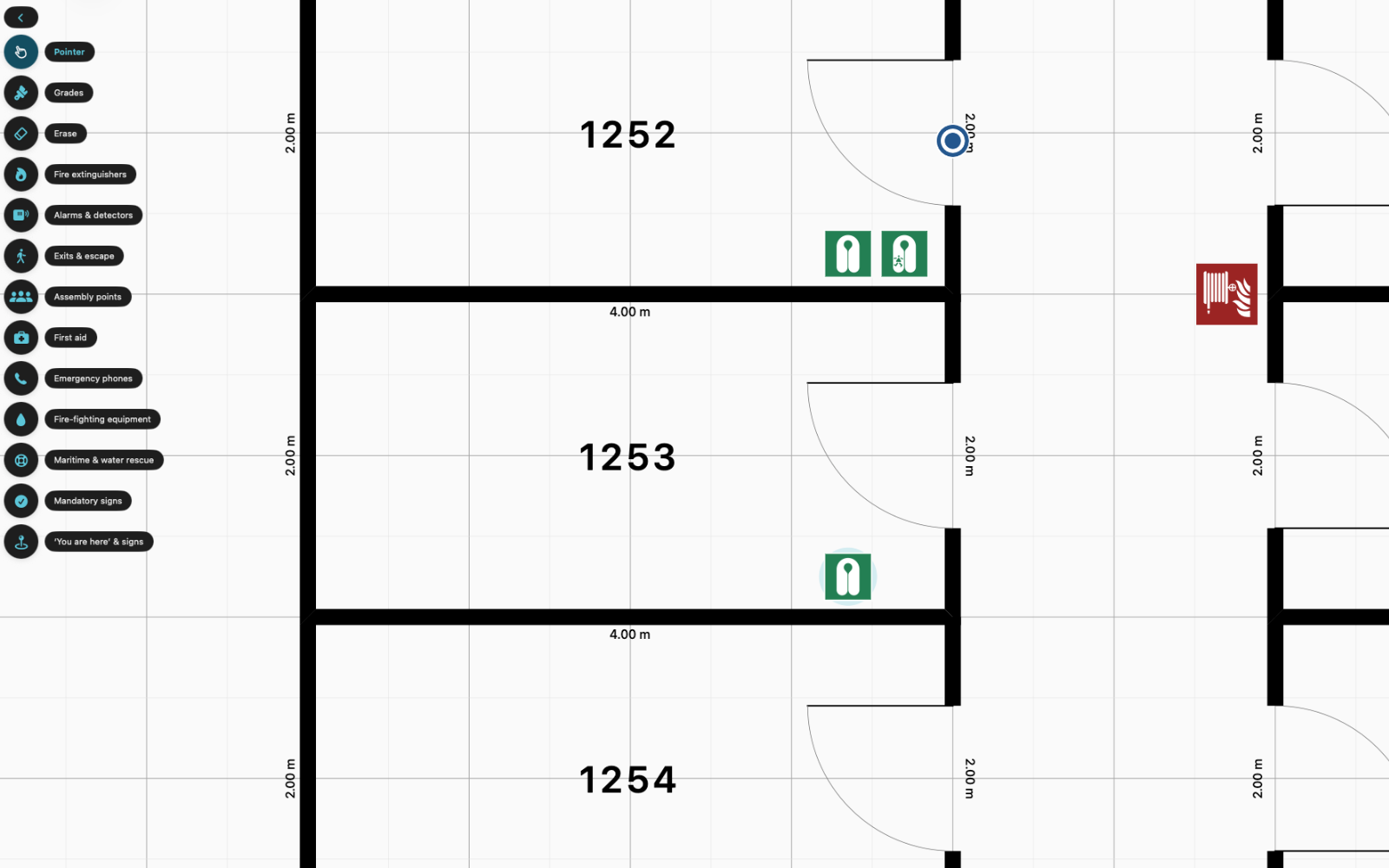
Life-saving appliances, fire-control equipment, escape-route signs, direction arrows and muster stations, grouped into plain-language categories and searchable by name.
Place-then-pick signage
Tap a category, tap the plan to mark the spot, then choose the exact sign from a preview grid. Rotate, scale and recolour any placed symbol, or reassign and clear deck grades, from the editor.
One international standard
Maritime safety signage is harmonised worldwide by SOLAS and IMO, so there is no region to switch. The catalogue follows the same international references everywhere.
Combined fire-control and safety PDF
Export a single-page plan with a deck-grade legend, an IMO symbol key, a north point, a scale bar and a standards footer, ready to post by the gangway or beside the muster list. A free watermarked sample is always available; a clean export uses one export credit.
How it works
From plan to deliverable in five steps
- 1 Open Deck Plan on a vessel drawing.
- 2 Create deck grades and paint each area with its colour.
- 3 Pick an IMO sign category from the rail.
- 4 Tap the plan to place a sign, then choose the exact symbol.
- 5 Export a combined fire-control and safety plan PDF.