
Draw · Scan · Design
Every plan. One app.
iPad, iPhone & Mac.
Kaleidoscope Plan is the floor plan app for drawing and scanning real spaces. Sketch a room or capture it with LiDAR, then design it in 3D and add fire-escape, security, WiFi and marketing, all from one plan.


- No accounts, no tracking
- Works offline on-device
- Apple Pencil ready
Watch it come together
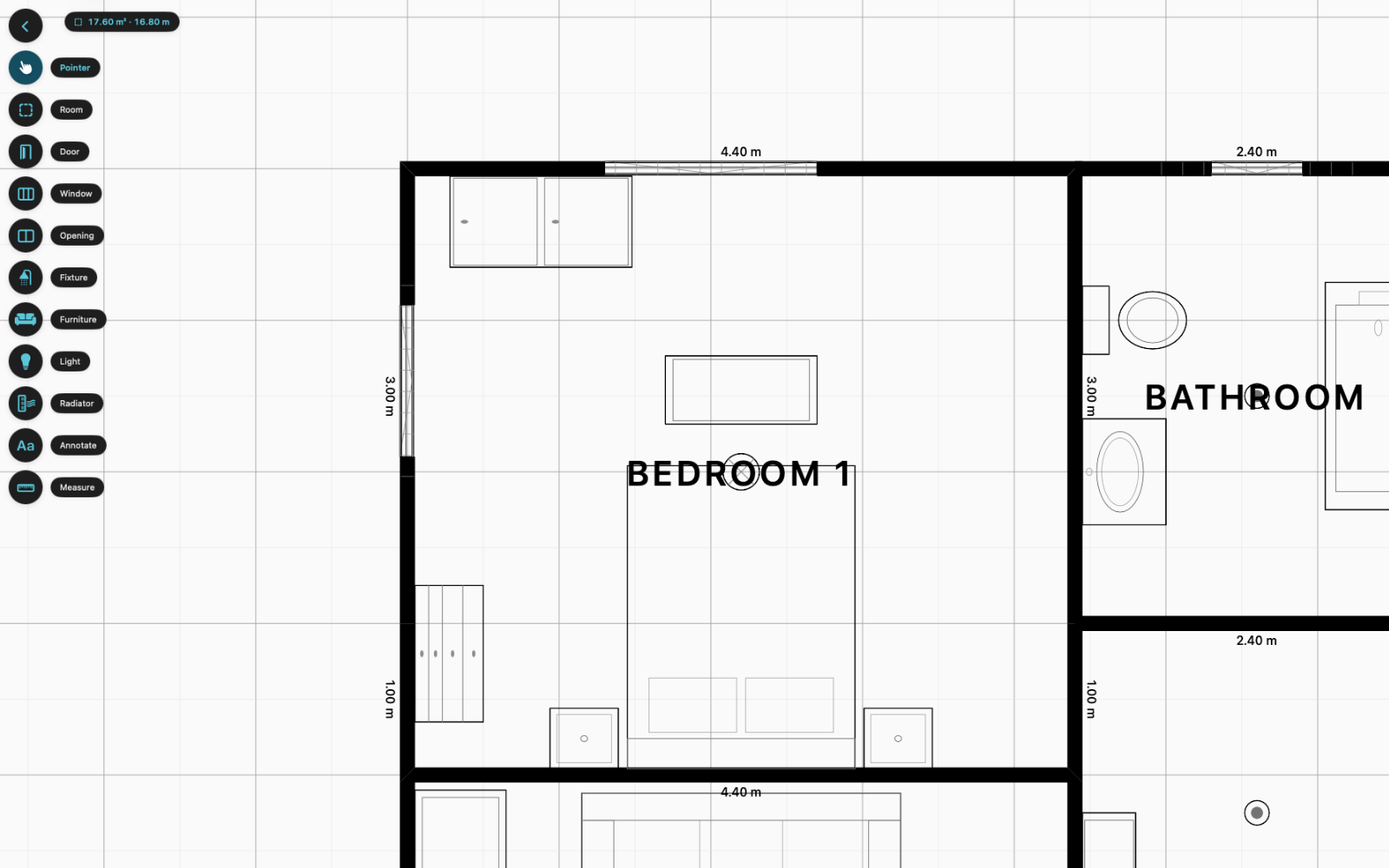
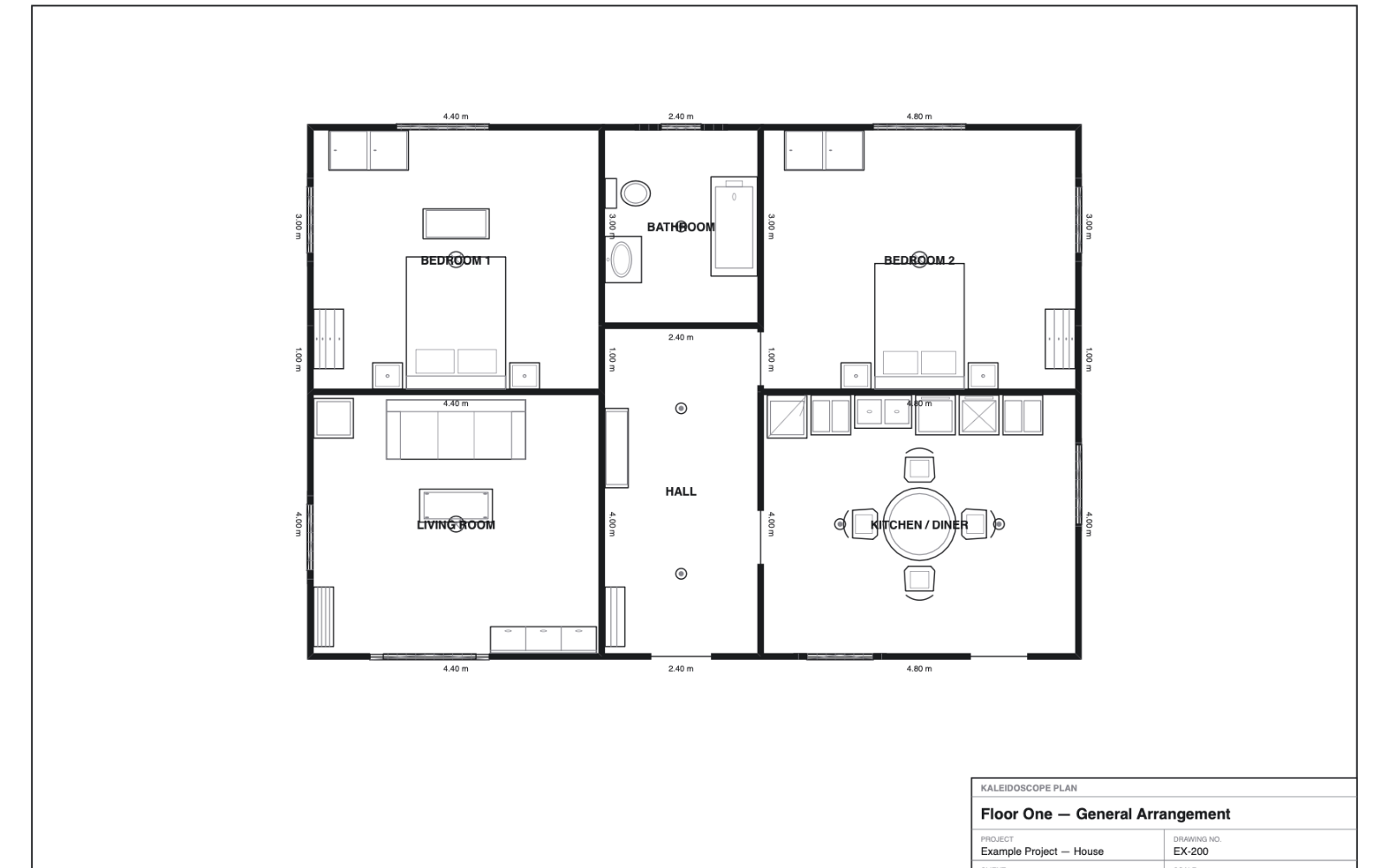
Draw your rooms.
Add doors, windows and exits.
Lay out the workspace.
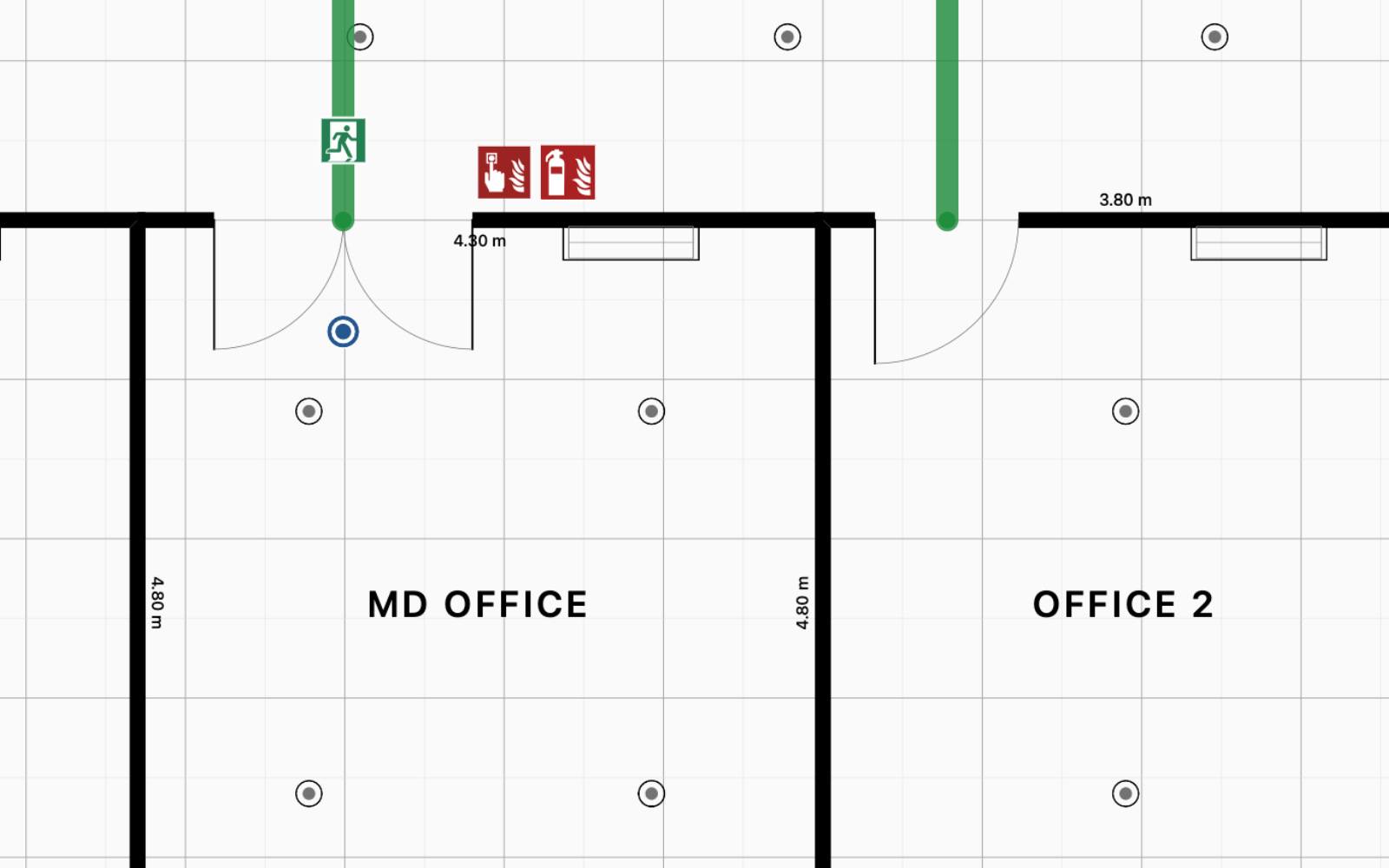
Add cameras, WiFi and escape routes.
See it in action
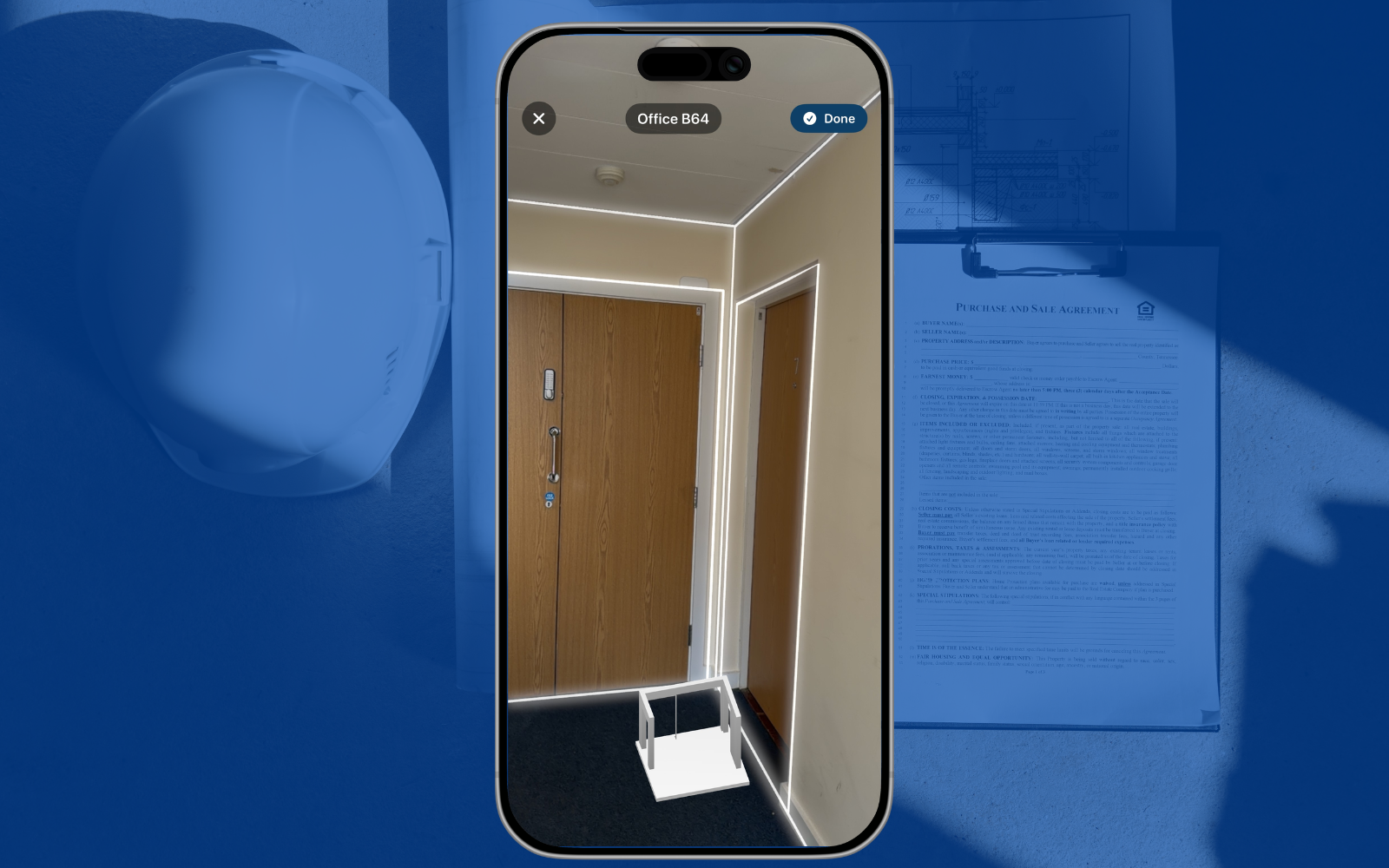
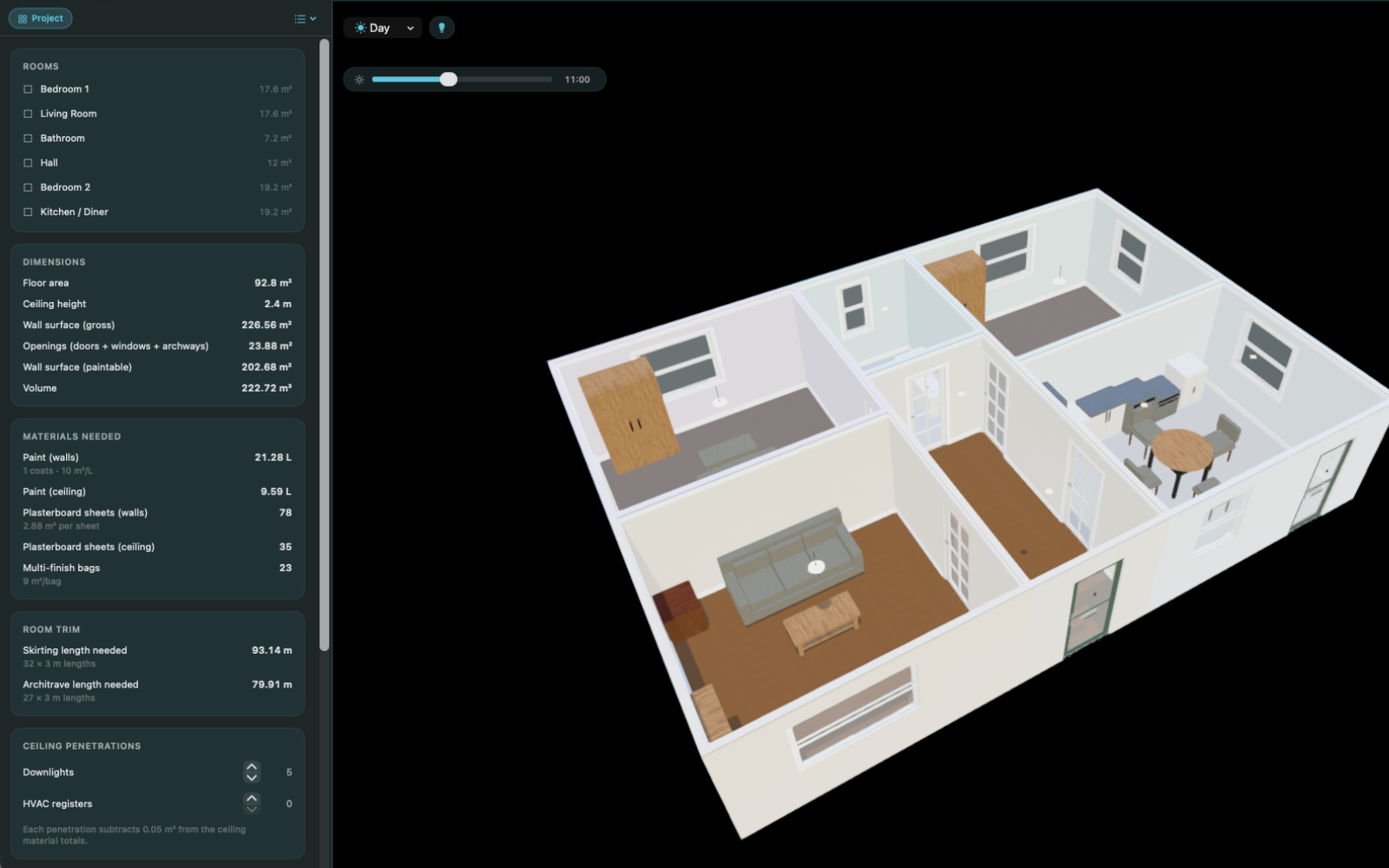
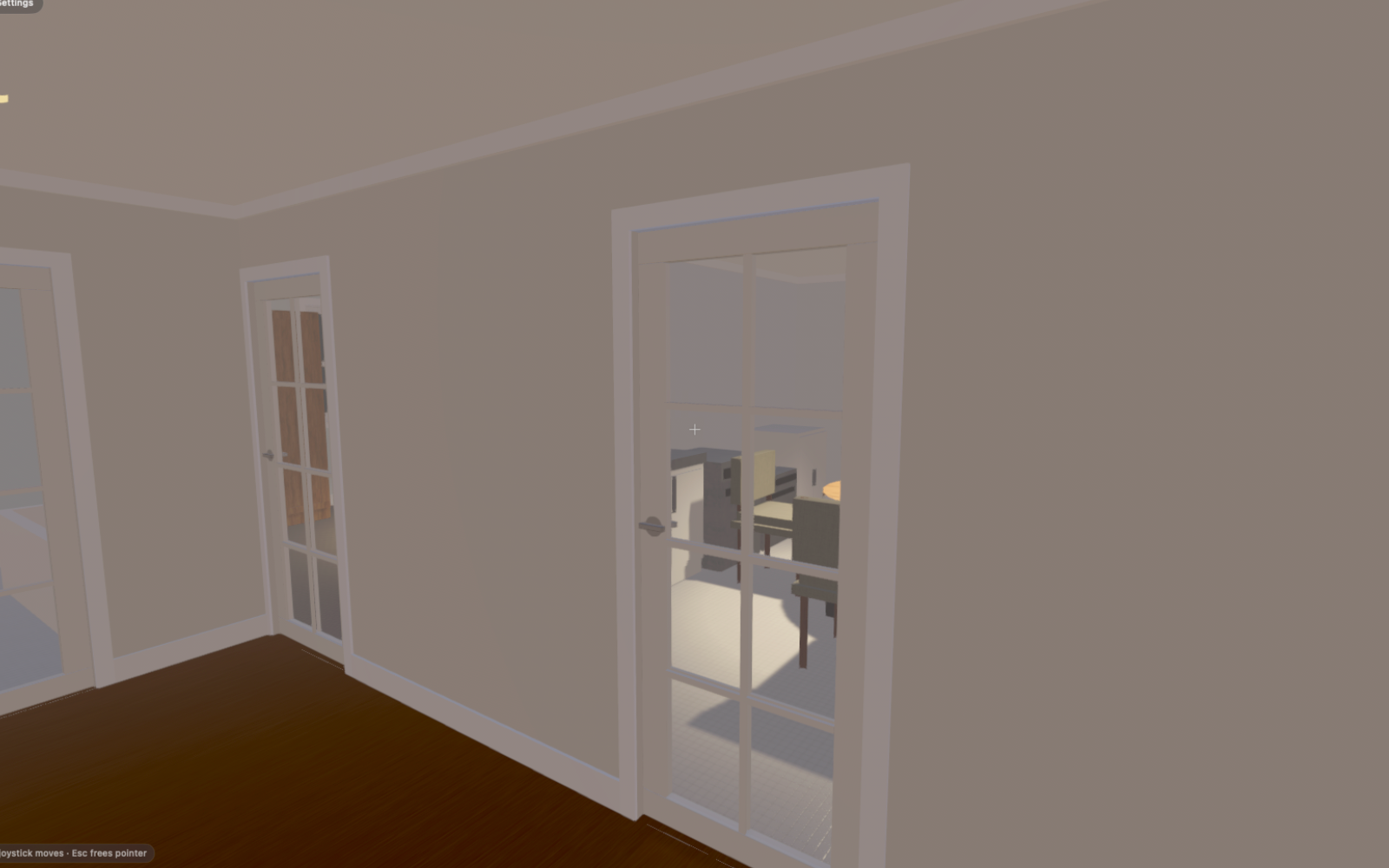
The app, on iPad, iPhone & Mac.
From a first sketch to a finished 3D plan with every overlay, here is how Kaleidoscope Plan looks while you work.
New · Smart Draw
Point it at a floor plan.
Get a drawing.
Set any floor plan image as your background (a photo, a PDF, an old estate-agent plan), and Smart Draw finds the rooms it draws there: walls, doors, windows and names, bundled room by room. Tick the rooms you want, press Apply, and they're real, connected, editable geometry. All on-device.
Prefer to chat? A free skill teaches Claude to write drawing files from a plan you share.
The engines
One plan. Eight specialised tools.
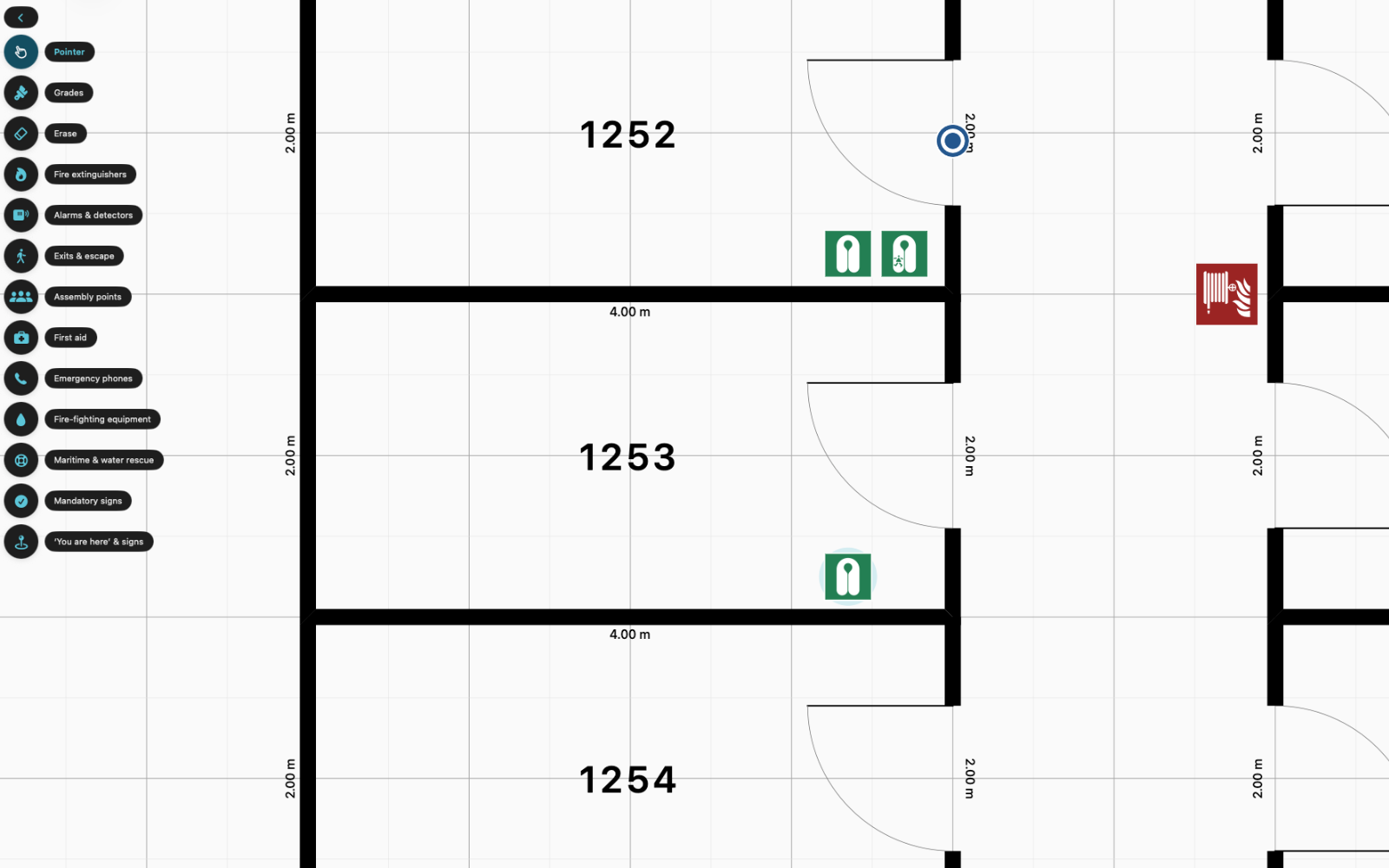
Each engine sits on top of your plan. Switch one on to map an escape route, lay out cameras, survey WiFi or build a sales brochure. Your original plan never changes.
Why Kaleidoscope
A serious floor plan app that stays out of your way.
Crisp at any size
Your floor plan stays razor-sharp at every zoom and print size, perfect for big drawings and high-resolution exports.
Scan a room in minutes
Capture a real room with the LiDAR scanner on iPhone or iPad, then tidy it into a clean, editable floor plan.
Whole buildings, floor by floor
Lay out as many rooms and floors as you need, with shared walls that connect and snap together as you edit.
Real walls and fittings
Proper walls with layers, doors, windows, lights and radiators, even a materials shopping list for every room.
Eight tools, one plan
Add fire-escape, 3D, fire-alarm, security, WiFi, network, deck-plan and marketing tools on top of your plan. The original never changes.
Export everything
High-resolution images and PDFs, CSV reports, and shareable project files you can hand to anyone.
Pricing
Free to start. Pay for what you need.
Draw, scan and design for free, with a 5-project limit and a watermark on rendered exports. Buy an export credit for one clean export, or go full access to remove every limit and include CAD and spreadsheet exports.
Monthly
£6.99 per month
Full access, billed monthly. 7-day free trial, cancel anytime.
Yearly
£39.99 per year
Full access all year, over 50% cheaper than monthly. 7-day free trial.
Lifetime
£49.99 one-off
Pay once for full access forever, future updates included.
Or buy export credits. One credit is one clean export, used up each time you export.
Start with a single room.
Scan it, draw it, then see it in 3D and layer on whatever your project needs. The user guide walks you through every step.